Local Coffee Shop Wi-Fi: A Safety Guide for Remote Workers
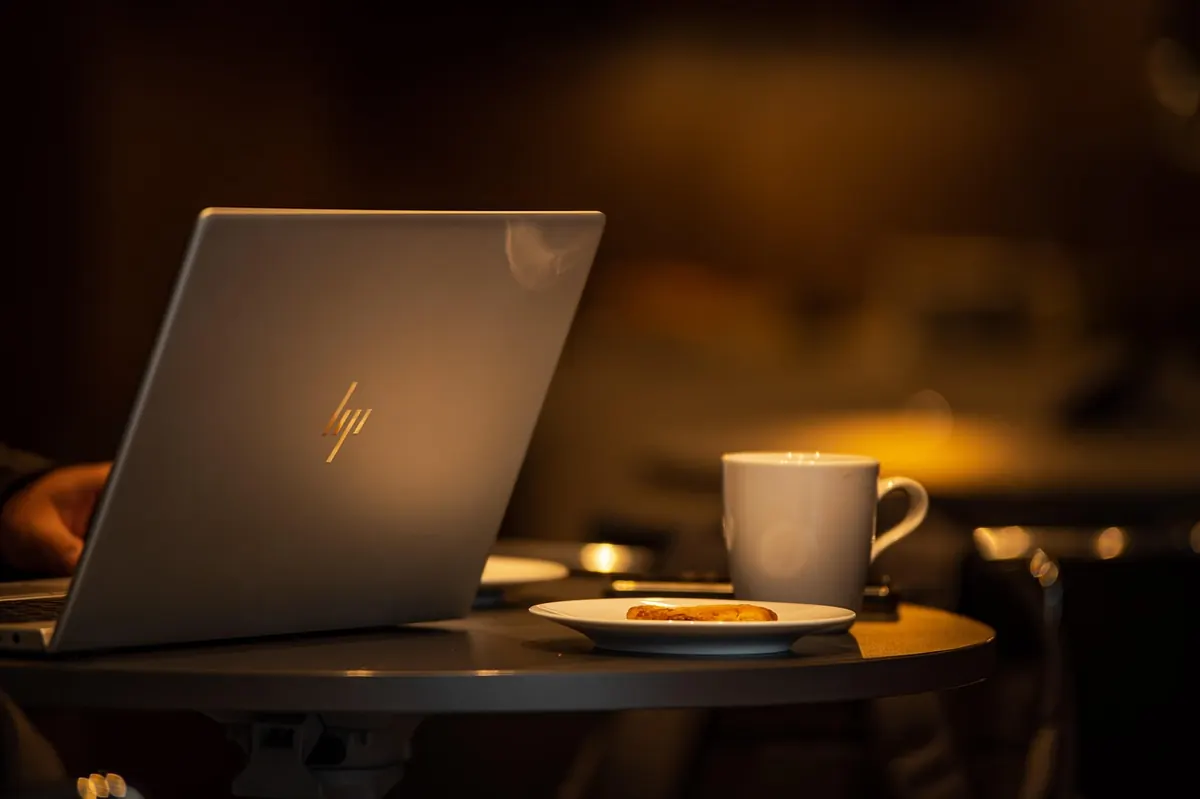
The corner table by the window, a flat white going cold, a deadline at four. Working from a cafe is one of the better perks of remote work — right up until you notice that everyone around you is sharing the same network, and some of them can see your screen. Most cafe sessions are perfectly harmless. The ones that go wrong tend to go wrong quietly: a spoofed hotspot with a familiar name, a reused password, a boarding pass photographed over your shoulder. None of that requires paranoia. It requires a short routine you run the same way every time.
Public networks are not automatically a trap. Thanks to widespread HTTPS, most of what you send to a normal website is encrypted between your browser and the site. The risks are narrower and more specific than the old "anyone can read your traffic" warning suggests.
Ask the staff for the exact network name and whether it needs a password. That one question defeats most impersonation attempts, because a rogue network rarely has the same spelling and the same password as the real one. If the cafe has no password at all, treat everything on the network as visible to strangers nearby.
If your employer has rules about public networks, follow them. IT departments usually prefer you use the company VPN or not connect at all, and that is worth a two-minute conversation with your manager rather than an incident report later.
A VPN creates an encrypted tunnel between your device and the VPN provider's server. On cafe Wi-Fi, that means a nearby snoop sees scrambled data rather than a list of sites, and a fake hotspot is far less likely to capture anything useful. Turn it on before you log into anything, not after.
What a VPN will not do: stop you from typing a password into a convincing fake login page, protect a device that already has malware, hide your screen from the man at the next table, or make a shady provider trustworthy. Free VPN services have to fund themselves somehow — read the privacy policy, and if there isn't one, walk away. If your employer provides a VPN, use that one for work accounts.
Your phone's hotspot sends data over the cellular network, which is encrypted over the air by the carrier. For banking, payroll, medical portals, or anything involving identity documents, tethering is usually the safer choice — and often faster than a cafe network that forty people are streaming video on.
Two things to get right. Set the hotspot password to something long and non-obvious; never leave it open. And keep an eye on your data allowance and battery, because tethering drains both faster than you expect. Check your plan if you are unsure how tethering is billed — plans differ, and the details matter more than any general rule.
The most common privacy failure in a cafe has nothing to do with packets. Sit with your back to a wall or a window where you can, rather than facing the room. Be alert to the person who settles in behind you and holds a phone at chest height — that angle points a camera at your keyboard, not at their feed.
Arrive, order, then: confirm the network name with staff, connect, switch on the VPN, move file sharing off, and pick a seat with your back covered. When you leave, forget the network, close the hotspot if you used it, and lock the machine before it goes in the bag.
That is the whole discipline. It costs less time than waiting for a coffee, and it turns a pleasant change of scenery into a place you can actually get work done — without handing your accounts or your client list to whoever happened to be sitting nearby.
Photo: martoli-03 / Pixabay